
Print a figure in parts
- Level
- Intermediate
- Time
- 45 min
- Version
- Shapeaway 4.0
- You need
- Any 3D printer
- You’ll make
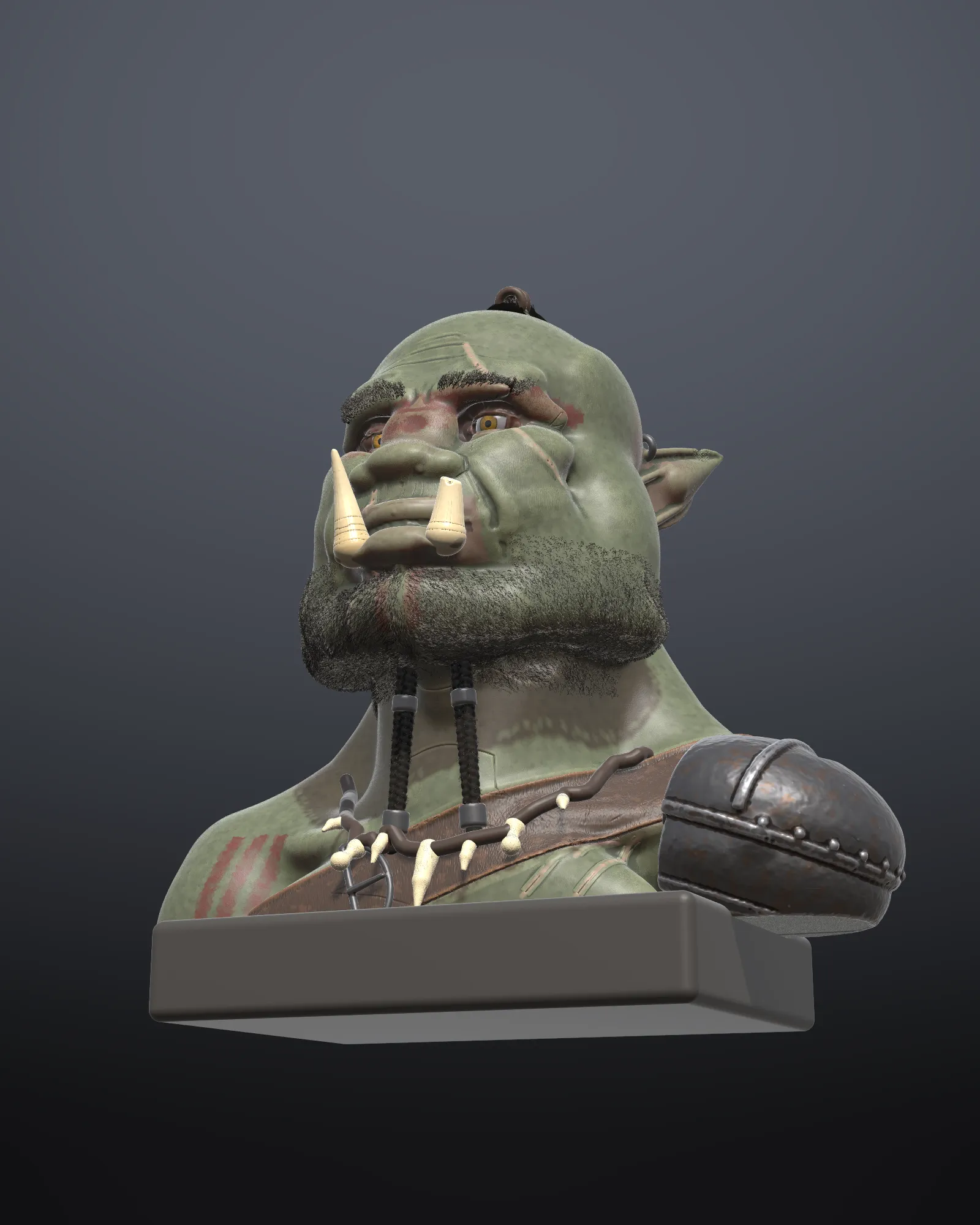
- A bust in pegged parts on a lettered base
- Files
- Any sculpt of a figure or bust (the orc bust here was printed in twelve parts)
Check first
Section titled “Check first”- Open your sculpt and the Print tab. Pick your printer’s print bed.
- Print report: if the model doesn’t fit the bed, or it’s taller than you want, set an export height now.
- Show wall thickness and the overhang view: note where it’s thin and where it overhangs. Those are good places to cut.
- Keep separate parts as separate objects where they already are (armour, a weapon, a necklace): they print in their own colours and positions.
- Select the body and Split into parts at a height under the chin or at the waist. Pegs go on one side, holes on the other.
- For an arm that sticks out, split along a wire where it meets the shoulder.
- Check each part has a flat face to sit on the bed.
Base and name plate
Section titled “Base and name plate”- Base and label: choose Rounded, size it a little bigger than the footprint, and type a name. Choose Engraved lettering at least 6 to 7 mm tall.
- Move the figure onto the base (O).
Export
Section titled “Export”- Export › STL, with Each object: one STL per part, named after the objects.
- Or, for a printer with several filaments, Export › 3MF: the paint is reduced to your filament count.
Was this page helpful?