Everything in 4.0
Shapeaway is digital clay sculpting for Windows, for artists and for 3D printing. Every picture on this page was made in it. Jump to sculpting, detail, looks, hair, printing or files.
Sculpting that feels like clay
- Clay that never breaks: no polygons to manage. Add, carve and reshape freely, and the surface is always watertight.
- Nineteen brushes: Add, Carve, Smooth, Flatten, Inflate, Pinch, Grab, Shape, Paint, Mask, Clay Strips, Crease, Snake Hook, Layer, Noise, Trim, Polish, Dam Standard and Move.
- Pen pressure for size and strength, with an editable pressure curve; the eraser end inverts, the barrel buttons turn and pan.
- Falloff curves per brush, spacing, lazy mouse, texture stamps and seven surface alphas.
- Freehand, drag and curve strokes. Mirror symmetry on any axis and radial symmetry from 2 to 16 copies.
- Pottery wheel, wire cutter, a move-turn-scale gizmo, a radial tool menu on Space, and every shortcut rebindable.
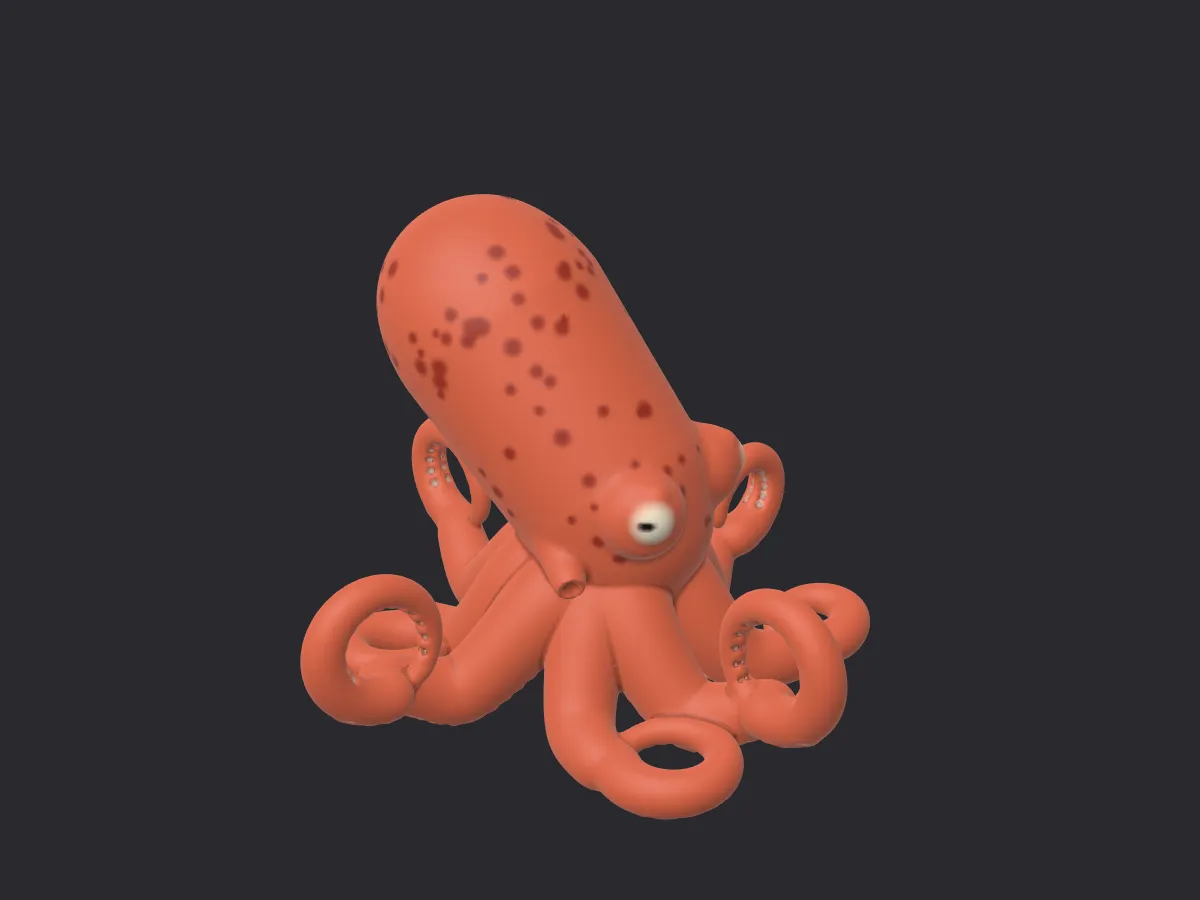
Detail down to the pores
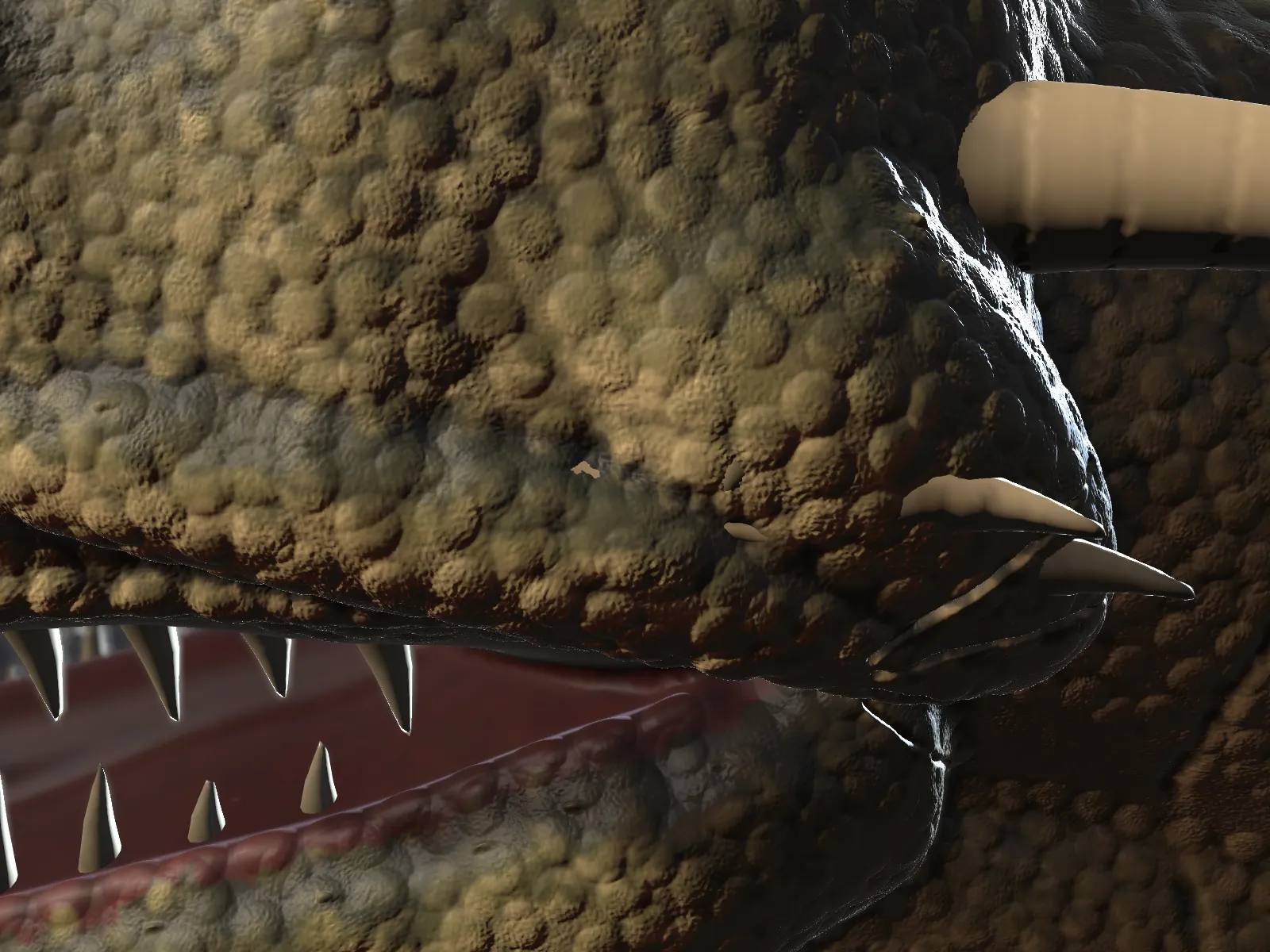
- Five detail levels from Draft (2.1 mm) to Studio (0.4 mm), chosen per object.
- Add detail freezes a form into a detail mesh with subdivision levels, for tens of millions of triangles; step up and down the levels as you work.
- Back to clay turns a detail mesh into clay again when the big shape has to change.
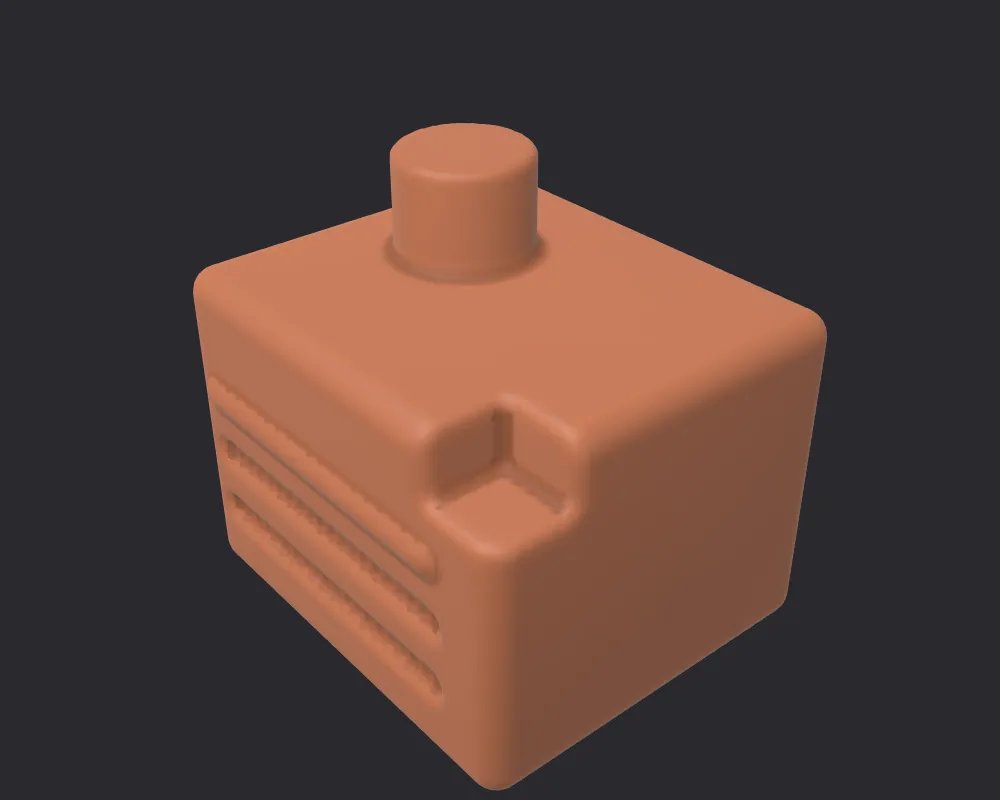
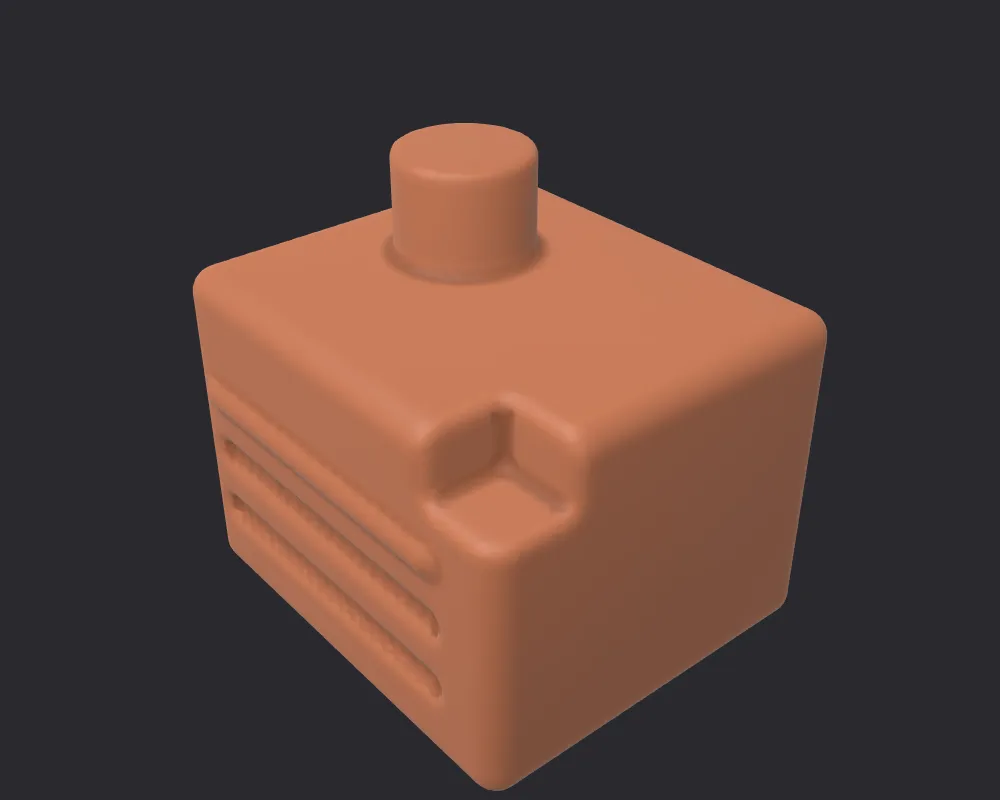
- Sharp edges meshes the clay by dual contouring, for clean creases and hard-surface corners.
- Bake normal, displacement and colour maps onto a low-poly OBJ for games.
Many objects, one undo
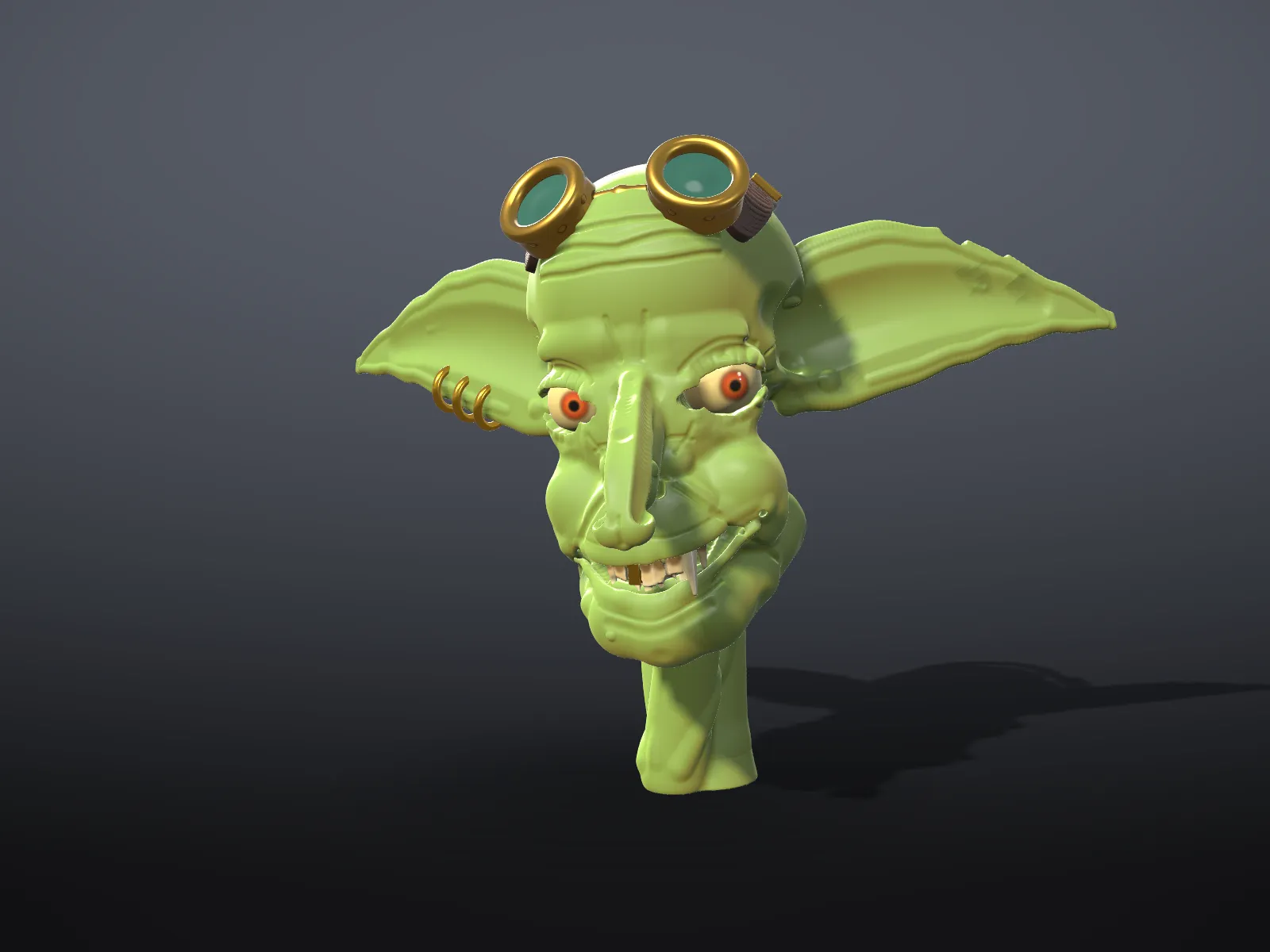
- Several clay objects in one sculpt, each with its own look and detail level.
- An Objects panel to rename, hide, lock, duplicate and delete; a click on the clay selects its object.
- Merge, Subtract or Intersect objects in one undo step.
- An unbounded canvas: the clay grows in any direction up to a build limit you can raise.
Colour, finish and light
- Paint straight onto the clay, with paint and mask kept only where they are used.
- Clay looks, imported matcaps, flat shading, wireframe and cavity shading.
- A realistic view with lighting presets (Studio, Three-point, Dramatic), a backdrop, a ground shadow and depth of field.
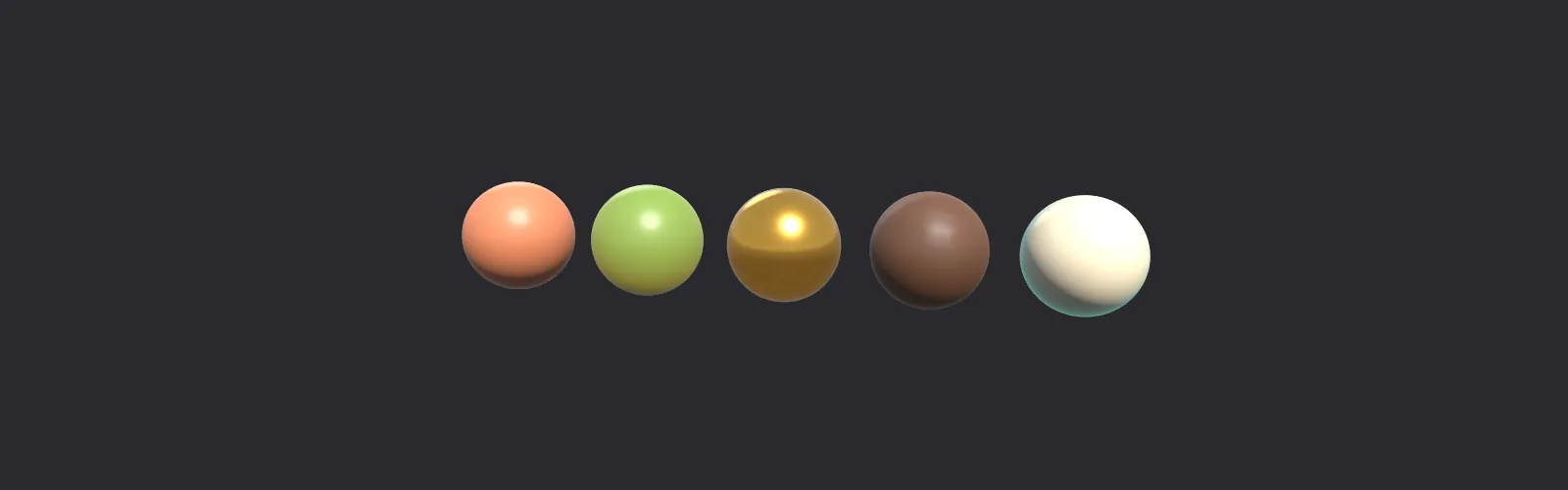
- Per-object finishes: roughness, metal, specular, skin sheen, subsurface, translucency, oil, and eye presets with iris and pupil.
- Still images and turntable GIFs of whichever view is on.
Hair as real strands
- Groom hair, beards, brows, lashes and stubble as strands that grow from the surface.
- Cut, Clump, Comb and Length brushes shape a groom the way you would with scissors and a comb.
- Hair exports with the sculpt, as hair cards for game engines.
Sculpt from photographs
- Reference images behind or over the clay.
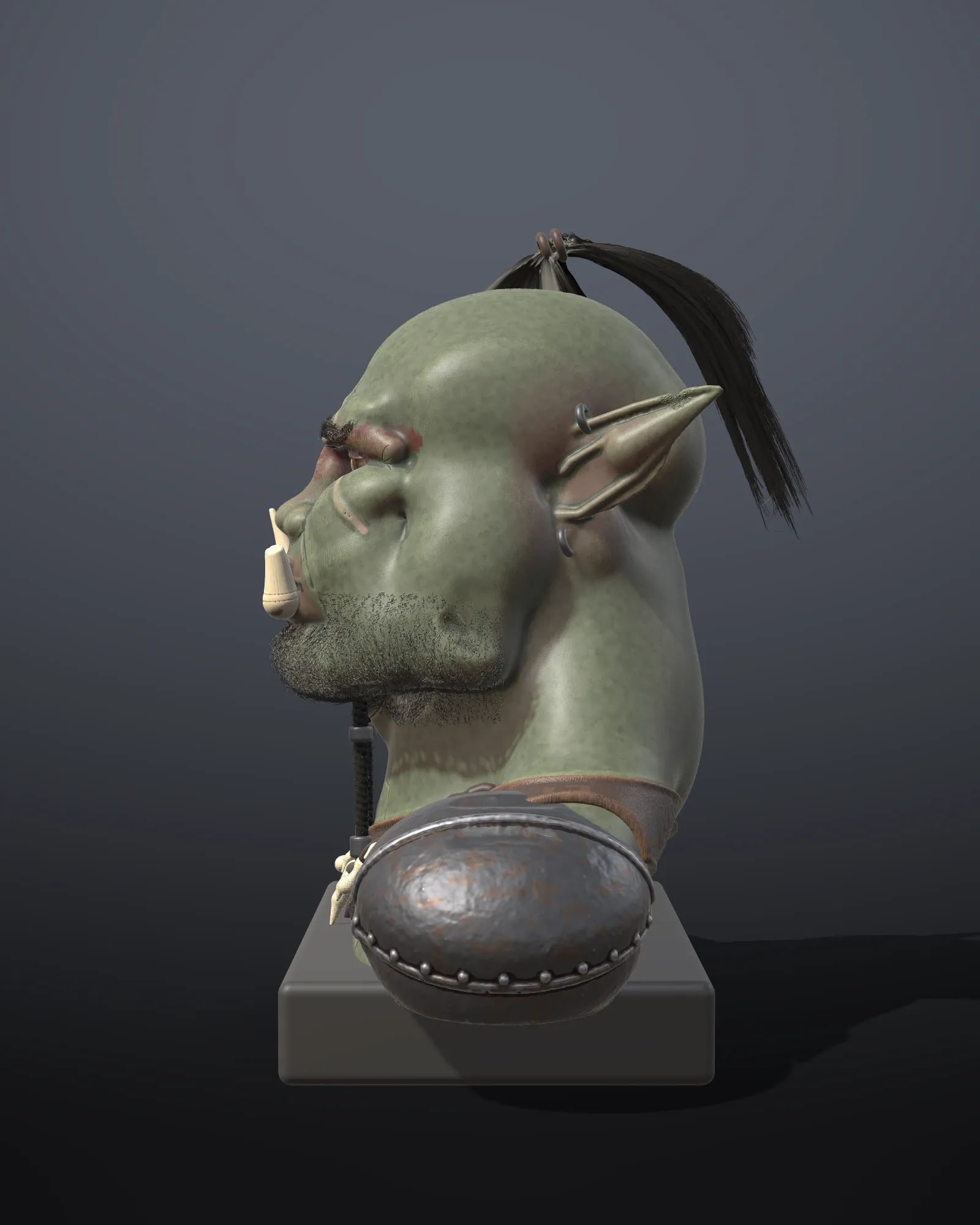
- Photo matching: pin a few points and Shapeaway works out where each photo was taken, then lets you look through it.
- Project colour from matched photos onto the sculpt, with the photo’s lighting taken out.
- Import textured OBJ and glTF scans and fit a detail mesh to them.
Made to be printed
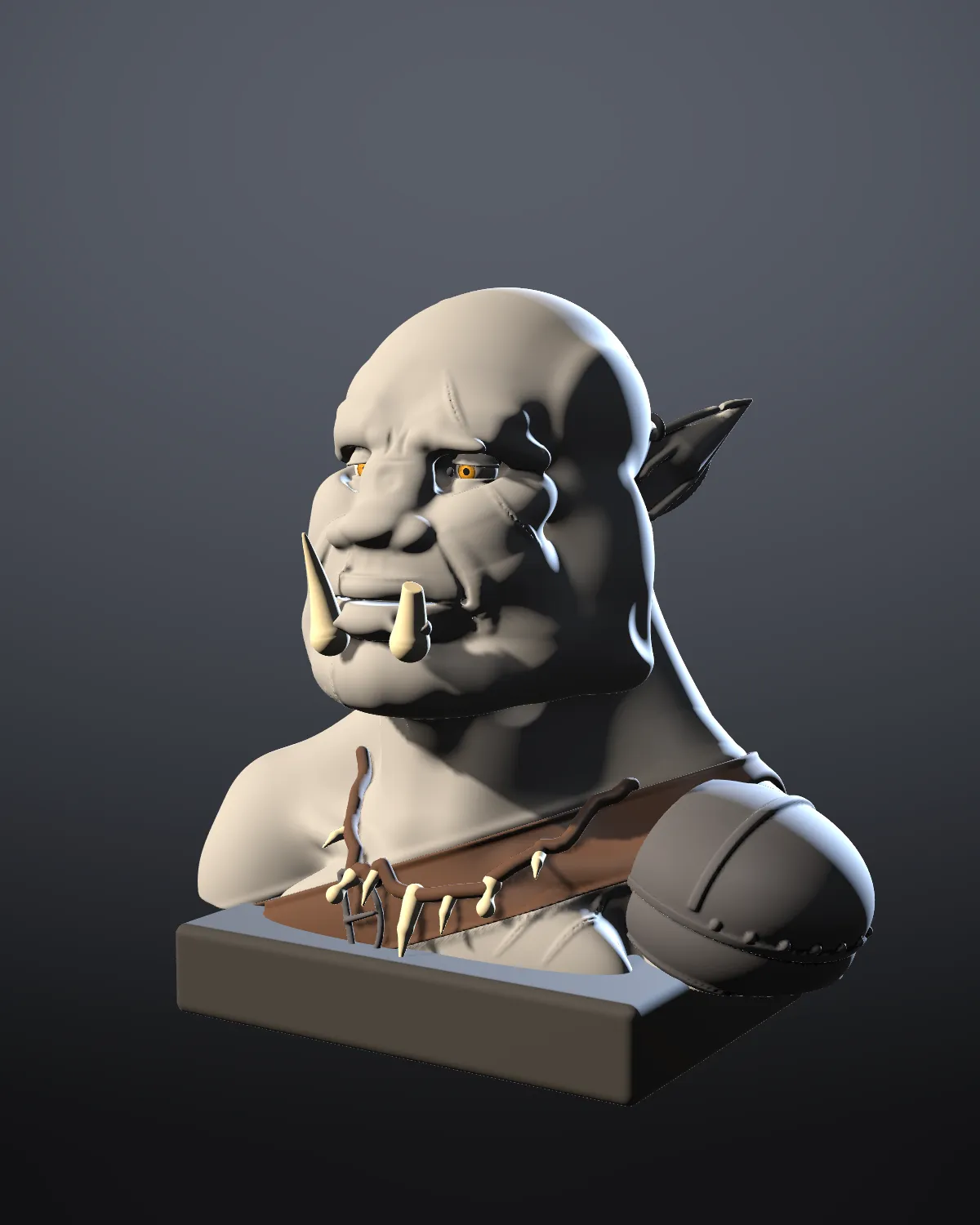
- A print report: size, volume, grams of PLA, PETG, ABS or resin, thinnest wall, overhangs, loose pieces and bed fit.
- Wall-thickness heatmap, overhang view, flat base, hollow with a drain hole, and remove floating bits.
- Split into parts with alignment pegs and matching holes, at a height or along a wire.
- Round, square or rounded bases with raised or engraved lettering.
- Multi-colour 3MF: your paint reduced to the filaments you have.
Opens what you have, exports what you need
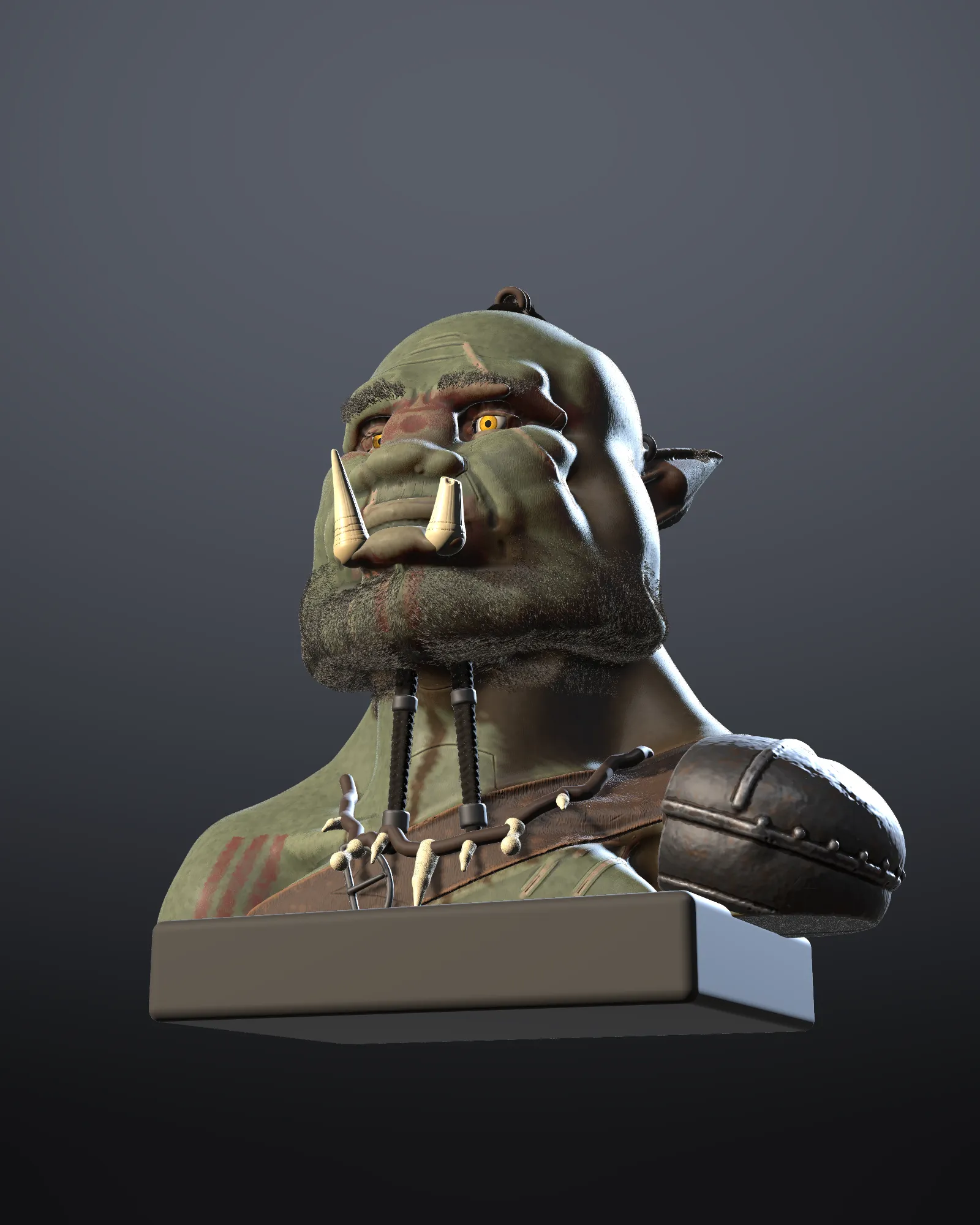
- Import STL, OBJ, PLY and glTF/GLB meshes and scans as clay: holes closed, loose bits dropped, vertex colours kept as paint.
- Export STL (mm, Z-up), OBJ, GLB with colour and objects, PLY, and 3MF.
- Autosave every two minutes, restore after a crash, and a report you can save and share by hand.
- Four sample sculpts and a seven-step guided tour to start from.
Sharp edges, when you want them
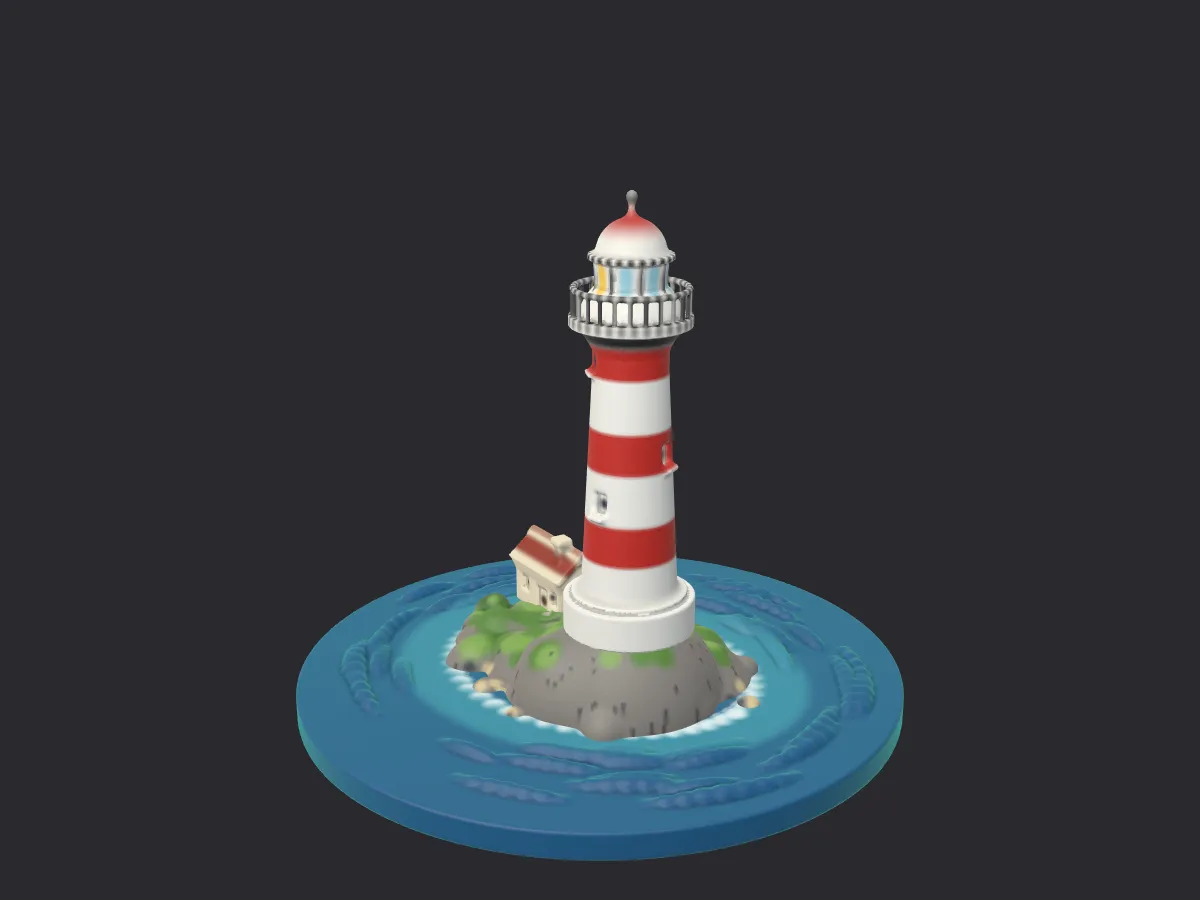
View › Sharp edges meshes the clay by dual contouring instead of marching cubes, so grooves come out as clean lines instead of a fine sawtooth. It’s off by default.
Try it on a duck first
The first tutorial takes ten minutes and needs nothing but a mouse.